
Import & export
Switching pet grooming software without starting over
Bring your clients, pets and upcoming appointments with you, and take your data out any time you want.
Your history is the hardest thing to leave behind
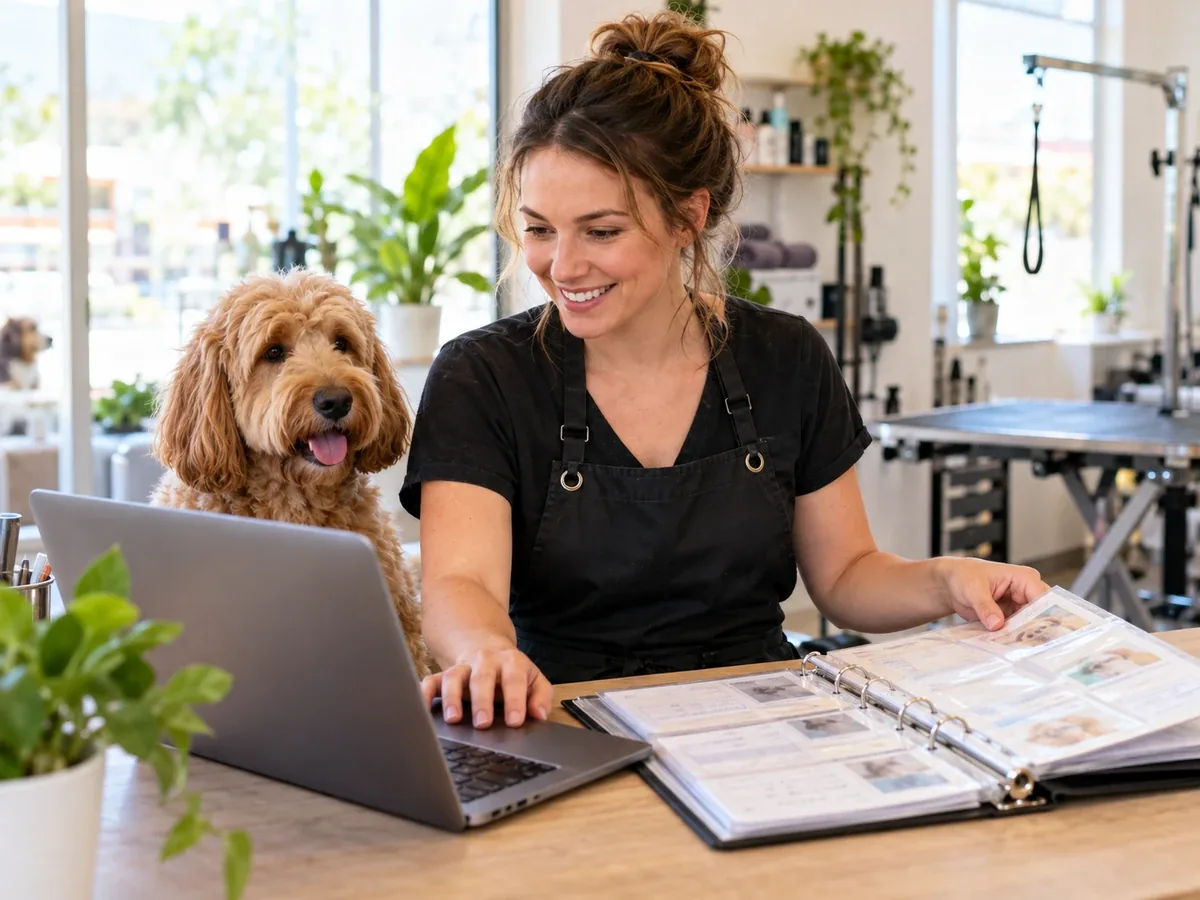
Rebuilding a client list by hand is the main reason groomers stay with software they have outgrown. The Grooming App includes guided CSV imports for clients, pets and appointments, with downloadable templates that show exactly what each column means.
Every import produces a row-by-row result you can download, so you see what was imported and what needs fixing. Afterward, the duplicate finder helps tidy anything that overlapped.
Import & export
What you can do
Three guided imports
Clients first, then pets, then appointments, each as its own step in setup.
Templates provided
Download a ready-made CSV template for each import.
Row-by-row results
Download a results file listing what imported and what did not, with reasons.
Duplicate cleanup
Find and merge duplicate clients and pets after importing.
Your data stays yours
Export clients, pets and appointments to CSV from the admin dashboard at any time.
Guided onboarding
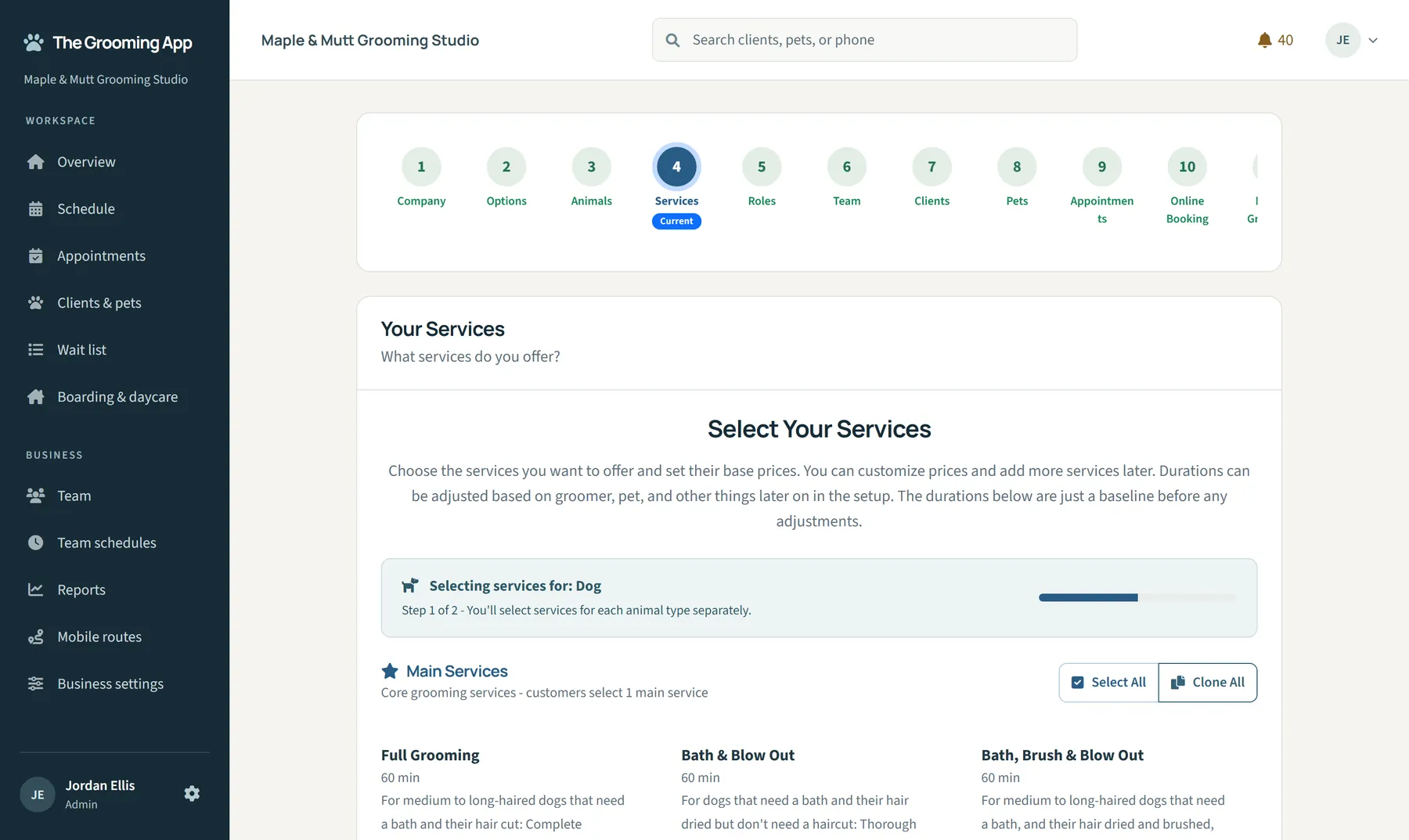
Twelve setup steps with progress tracking take you from signup to your first booking.
Everything included
Skip what you do not need
Starting fresh? Skip imports and add clients as they book. Imports are optional and can be run when you are ready.
- Client CSV import with template
- Pet CSV import with template
- Appointment CSV import with template
- Downloadable per-import result report
- Duplicate detection and merge
- CSV export of clients, pets and appointments
- Guided setup with progress and resume
Import & export: common questions
What file format do I need?
CSV. Download the template for each import and paste your data into it.
Will I know if rows fail?
Yes. A downloadable result lists every row and any issue.
Can I export my data later?
Yes. Clients, pets and appointments can be exported to CSV.
Keep exploring
Clients & pets
Every pet's history, preferences and paperwork, ready before the next appointment starts.
Learn moreCustomization
No two grooming businesses run the same way. The Grooming App is built to be configured, from the services you sell to who can see what.
Learn moreScheduling
One calendar for every groomer, bather and location, with the guardrails that keep the day running on time.
Learn more
Run your grooming business with room to breathe
Start your 30-day free trial with the full product. No credit card needed.